For Mac, iPhone & iPad
Everything you reuse, one keystroke away.
Your IBAN, the reply you send every week, your passport scan, the portfolio PDF. Press ⌥ Space in any app, type a few letters, press ↩. It lands right where you were typing.
Hi Sam,
Thanks for the quick turnaround. Here are our bank details for invoice #0142:
Best,
Hein
Animation: while writing an email, pressing Option-Space opens the Summon panel. Typing “iban” finds the saved bank details, and pressing Return pastes them into the email.
Speed
Faster than finding it.
No digging through notes, old emails or your Downloads folder. Summon opens on top of whatever you're doing, and gets out of the way the moment you have what you need.
1shortcut
⌥Space works in every app. Type, press ↩, and your hands never leave the keyboard.
3letters
is usually all it takes. Summon learns what you reach for, and in which app, so the right item is already on top.
2,000items
and results still keep up with your typing. Keep as much as you like; it stays instant.
One place
Snippets, images, files. Together.
The things you reuse are scattered across notes, email, downloads and your camera roll. Summon gathers them into one small library, always a keystroke away.
Files paste as files
Not just text. Summon the portfolio PDF in Mail and it arrives as an attachment; summon the headshot in a chat and it arrives as an image. Formatted snippets keep their formatting, or drop it with ⇧↩.
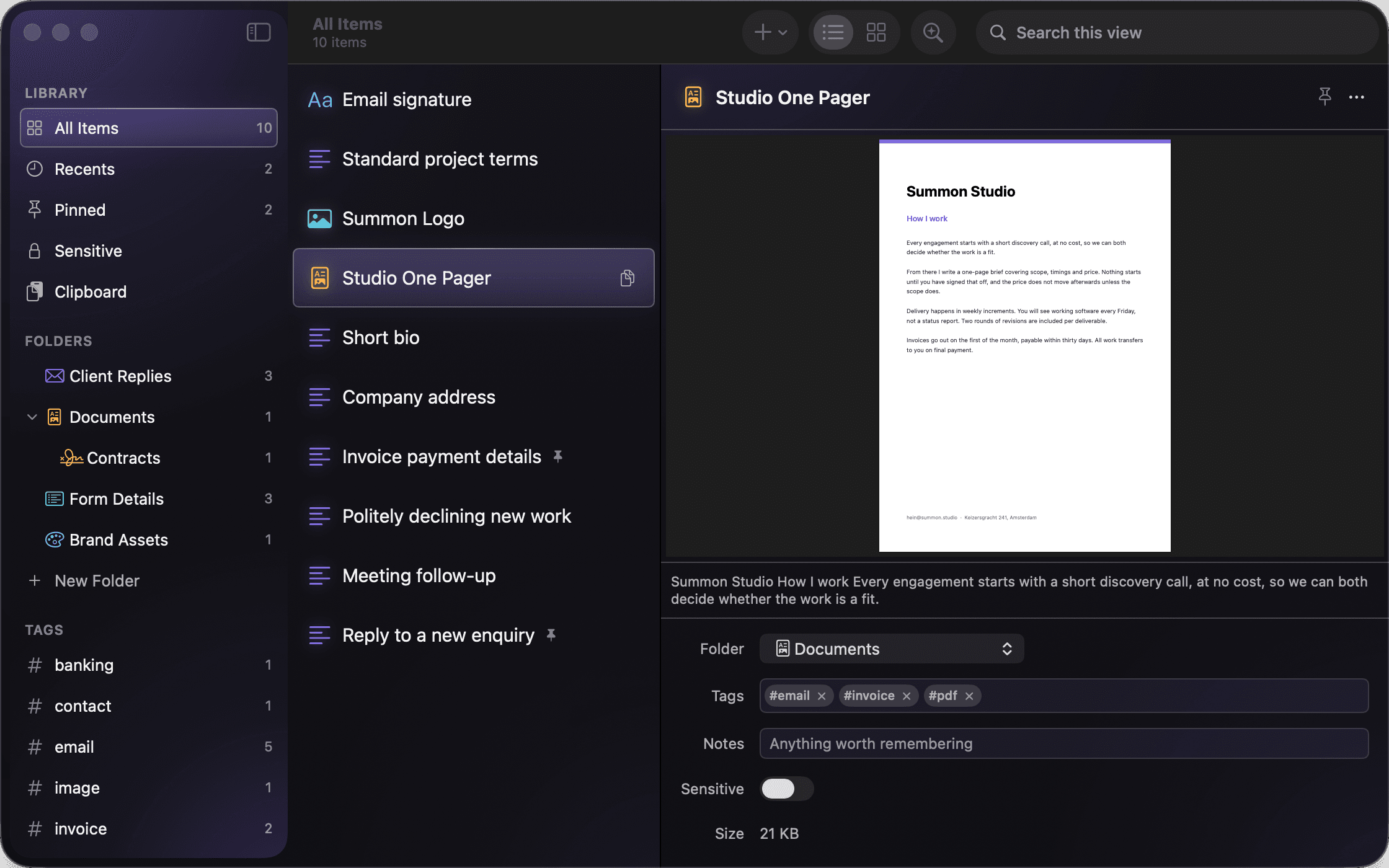
Search that reads
Text in scans, screenshots and PDFs is recognised on your device, so a phrase on page four is one search away.
discovery call
Saving takes a second
If keeping something is a chore, you won't. So it isn't.
- ⌥⇧S saves whatever you've selected, without leaving the app you're in
- Drag a file onto the panel or the library
- “Add to Summon” in Finder and in the Share sheet on every device
- Titles and tags are suggested for you, on your device
A clipboard history that skips your passwords
On the Mac, Summon can remember what you copy. The link you copied an hour ago is one search away, and anything worth keeping goes into your library with one keystroke.
- Anything a password manager marks as concealed is never recorded
- Off until you turn it on, and forgotten on quit unless you ask otherwise
Mac + iPhone + iPad
Your library, in your pocket.
The VAT number at the counter. The passport scan at the gate. The same library on every device, synced through your own iCloud. No account to create, and no server of ours in between.
- Save from any app with the Share sheet
- Pinned items in a widget, one tap to copy
- Shortcuts and Siri: “Summon my IBAN”
- Face ID for sensitive items
- Keyboard shortcuts on iPad, just like the Mac
- Free on every device, no subscription
Library
Pinned
- IBAN · Studio accountNL91 ABNA 0417 1643 00
- Portfolio 2026Portfolio-2026.pdf · 4.2 MB
- Passport scanLocked · Face ID
- VAT numberNL0012 3456 7B01
Folders
- Finance12
- Travel5
- Clients23
Privacy & the vault
Private is the default.
Mark anything sensitive and it's encrypted on your device, with a key Apple never sees. A locked item still shows up by name, but its contents, its file and even the text in a scan stay hidden until you unlock it.
- No account, no analytics, no tracking. Not in the app, not on this site
- Unlock with Face ID, Touch ID or a PIN that only works on your own device
- “Encrypt everything” keeps your whole library private, even in iCloud
- Text recognition and suggestions run on your device, never on a server
- Open source, so you don't have to take our word for any of this. read the code
Summon it.
Free for Mac, iPhone and iPad. One download on each, one library across all three.
Requires macOS 26 or iOS 26 and later.